HMI & Embedded Platform · Software
Elmes HMI Editor
Draw HMI screens in the browser, bind them to variables, simulate without the device.
Overview
The problem. OEM device makers usually design screens in vendor-specific desktop tools (DWIN DGUS, Nextion Editor, TouchGFX Designer). Each tool needs its own installation, learning curve and file format. The designer and the firmware engineer do not see the same screen, and every change has to be loaded onto the device for customer approval. Variable–component bindings (temperature > 50 → red) are usually hand-coded in firmware.
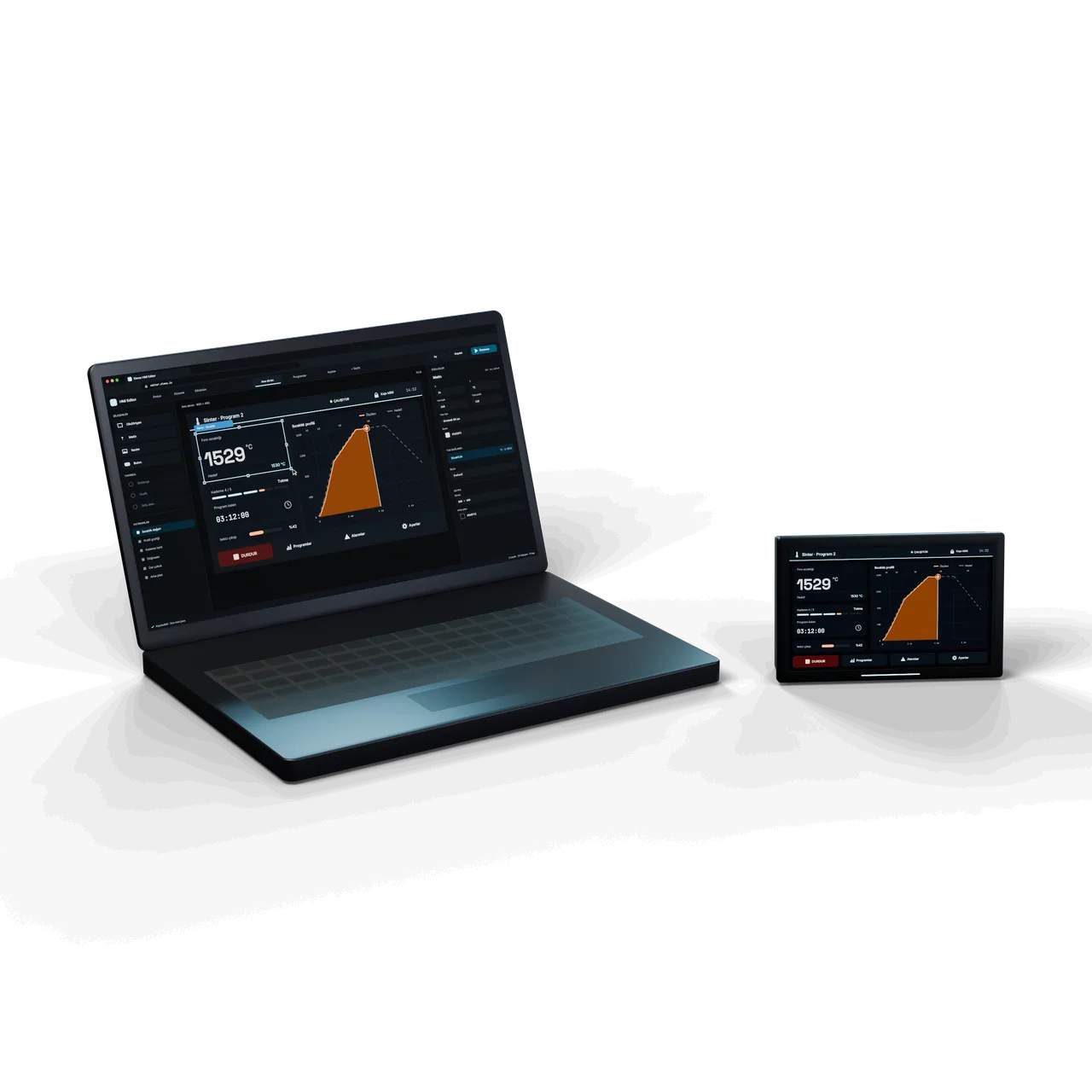
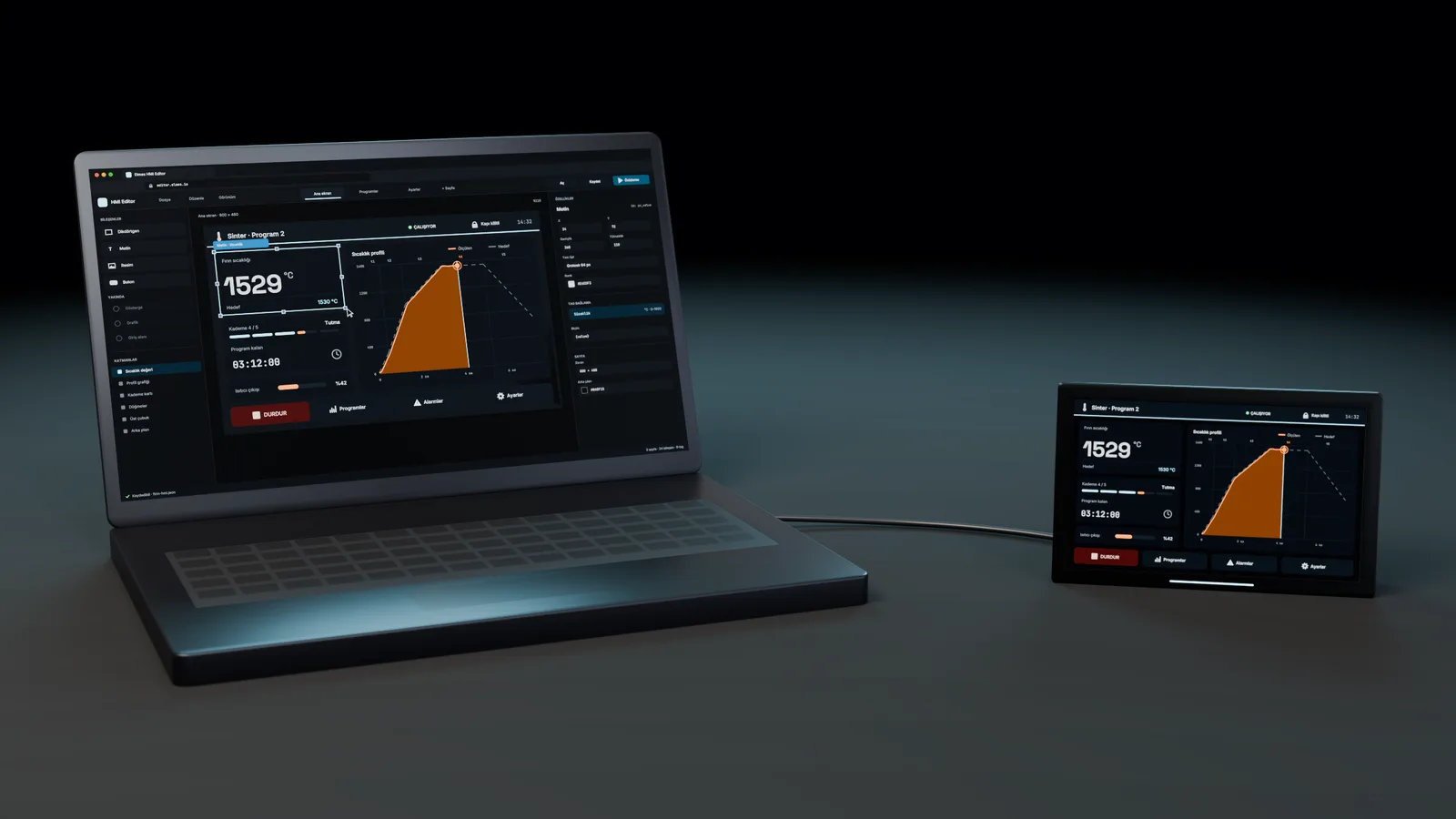
The solution. HMI Editor is a three-panel web editor: a component library on the left, a React Flow-based canvas in the middle, page and property panels on the right. The designer opens multiple pages, drags rectangle/text/button/image components, snaps them to a grid, manages layer order and edits properties (position, size, border, corner radius, color) in the panel. Global variables (tags) are defined and bound to component properties; in the planned simulation mode, changing a variable's value will show how the interface reacts without the device.
Project file. Projects are saved and reloaded as JSON; customer approval happens through a single shared link. The goal is to generate DWIN/DiscOS target code or asset packages from the same JSON, closing the gap between design and firmware.
This product is in development or field testing. Contact us for technical information, pilot use and a preliminary quotation.
Features
- Screen area frame: the real display size (e.g. 800×480 DWIN 7") is shown on the canvas as a non-selectable, non-draggable background; components are placed relative to it.
- Multiple pages: each page has its own screen size, background and border.
- Tag (variable) binding: component properties bind to global variables.
- Layer context menu: right-click to bring to front / send to back / move one step forward or back.
- Resizable panels: left/right panel widths are adjusted with a drag handle.
- Copy/paste and keyboard shortcuts.
- Plain JSON project file: versionable with Git; easy to pass between teams by email.
- TargetConditional styling: styles driven by variable values (Sicaklik > 50 → red).
- TargetSimulation mode: Play/Stop to see the interface react without the device.
- TargetAdvanced components: gauge, chart and input field.
- TargetExport: DWIN DGUS, DiscOS and web HMI targets.
- TargetCloud project repository and multilingual text tables.
- TargetComponent template library: ready-made components in the Elmes corporate style.
Specifications
Values marked “Target” are design targets, next-generation values or chip-vendor data; they are updated as measurement and certification are completed.
| Deployment model | Cloud (editor.elmes.io) |
|---|---|
| On-prem installation | Installation package for OEMsTarget |
| Server | Linux VPS, Nginx reverse proxy + Let's Encrypt TLS; the beta is served from a development server |
| Production deployment | Production buildTarget |
| Updates | Pull from Git and restart |
| CI/CD | Automated build and release pipelineTarget |
| Browser | Current Chrome / Edge / Firefox (desktop); mobile browsers are not supported |
| Client | No server-side logic; all processing happens in the browser |
| Development environment | Node.js 20, npm, Vite |
| Technology stack | Vite + React + TypeScript, @xyflow/react (React Flow), Zustand, MUI (dark theme), Emotion |
|---|---|
| Data model | Project → pages (id, name, settings: width/height/background/border; nodes; edges) + tag list; plain JSON |
| Component types | Rectangle, text, image, button |
| Additional component types | Circle, line, polygon, gauge, input field, chartTarget |
| Export | JSON |
|---|---|
| Export targets | DWIN DGUS asset/page package, DiscOS screen definition, web HMI bundleTarget |
| Import | JSON (the editor's own project file) |
| Image import | JPG / PNG / SVGTarget |
| API | None |
| Project API | REST project API in the cloud layerTarget |
| Project data | The project file stays on the user's computer; no data is kept on the server |
|---|---|
| Transport security | TLS 1.2+ |
| Cloud data (KVKK) | Data hosted on servers in TürkiyeTarget |
| Authentication | None (open beta server) |
| Accounts | User accounts and project ownershipTarget |
| Authorization | Owner / editor / viewerTarget |
| Licensing status | Internal tool for now; the beta is free |
|---|---|
| Licensing model | Free tier + PRO subscription + OEM/on-prem licenceTarget |
| Source licence | Not decided yet; third-party components are MIT-licensed (React, Vite, Zustand, React Flow, MUI) |
| Support | No support during the beta |
| Support level | Email, response within 2 business daysTarget |
| Backup | The user's own JSON file |
| Cloud backup | Daily backup in the cloudTarget |
| Stages 1–2 | Core editor, multiple pages, resizing, layers, MUI — completed |
|---|---|
| Stage 3 | Tag system, component–variable binding — partly completed |
| Stage 4 (completed) | Save / open |
| Stage 4 (planned) | Simulation mode; button actions (change page, write variable, script)Target |
| Later stages | Advanced components, export targets, cloud accounts, production buildTarget |
Applications
- Oven and process HMIs
- Laboratory cabinet screens
- Chiller and fogger panels
- DiscOS application screens
- DWIN T5L / Nextion pre-design
- SCADA operator screen drafts
- Web HMI prototypes
The editor is used for pre-design and customer approval of OEM device HMIs: the application packages of the Elmes OEM Device Control Platform (ovens, laboratory cabinets, chillers, foggers) and the screens of the Elmes Thermal Process Controller are typical examples. Generating screen definitions for DiscOS .dap packages is planned.
In SCADA and HMI projects (SCADA & Industrial Automation, Industrial HMI & UI/UX Design), operator screen drafts can be prepared in the editor. Today, moving a screen definition into firmware is done by hand as part of the HMI design service.
Compliance & documentation
- TargetUser guide
- TargetLicence text (EULA / open-source licence)
- TargetPrivacy / KVKK (Turkish data protection) noticeTogether with the cloud account layer
- TargetAccessibility (WCAG 2.1 AA)MUI-based; not audited yet
- TargetThird-party licence inventory (SBOM)
- Out of scopeCertificationSoftware product; no mandatory certification
Frequently asked questions
Which HMI hardware can the editor export to?
Today it produces only a JSON project file. DWIN DGUS, DiscOS and web HMI export are on the roadmap.
Does it need to be installed?
No; a current desktop browser is enough. A package for OEMs that want an on-prem installation is planned.
Where are my projects stored?
On your computer, in the JSON file you download; the server keeps no data. A cloud project repository is planned.
How does variable binding work?
A variable is defined in the tag panel (e.g. Sicaklik), and the component's color or text is bound to it. A simulation mode, where you change the value by hand and watch the reaction, is in the planning stage.
Can several people work on the same project?
Not yet; the JSON file is shared. Concurrent editing is planned for the PRO tier.
Can I import my existing DWIN or Nextion project?
No. Import works only with the editor's own JSON file.
Is it paid?
It is currently free and in beta. A model with a free tier, a PRO subscription and an OEM/on-prem licence is being considered.
How is the link to firmware made?
In the planned flow, the exported screen definition goes into the DiscOS/DWIN project and the variable list is mapped to the firmware tag table. Today this step is done by hand as part of the Industrial HMI & UI/UX Design service.
Get information about this product
Our engineering team replies within 24 hours.
Related products
 Coming soonHMI & Embedded Platform
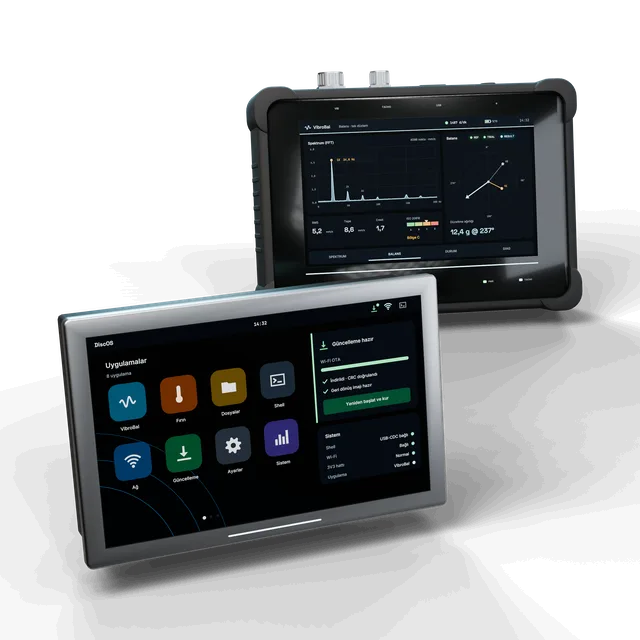
DiscOS — Embedded HMI Operating System
A ready-made OS for your touchscreen device: bootloader, updates, app model and a shell that machines can talk to.
View details: DiscOS — Embedded HMI Operating System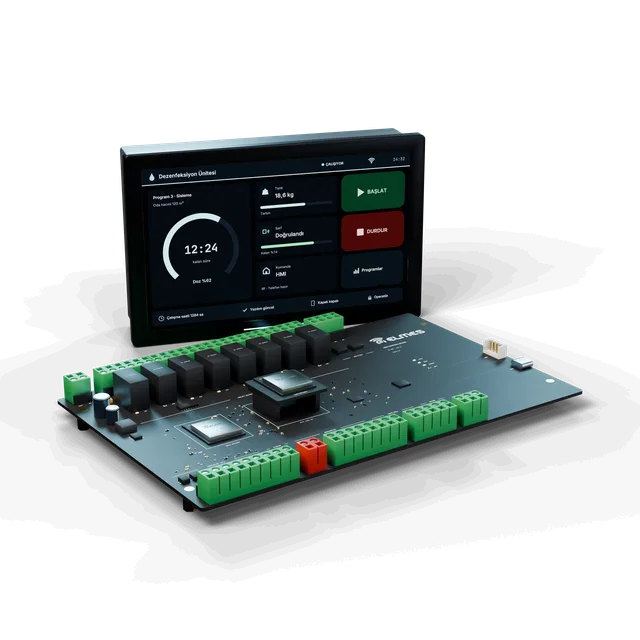 OEM Device Control
Elmes OEM Device Control Platform
Your device's electronics are ready — you focus on the machine.
View details: Elmes OEM Device Control Platform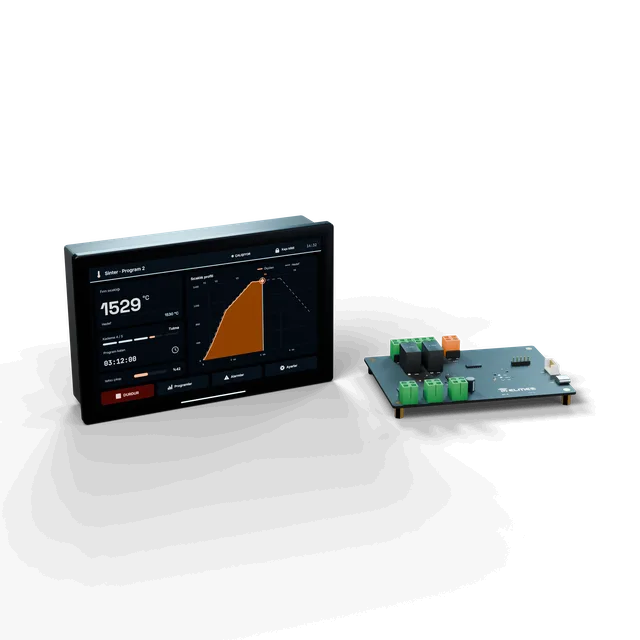 Coming soonOEM Device Control
Elmes Thermal Process Controller (sintering, drying, heat treatment)
A furnace controller that runs programmed temperature profiles safely and resumes where it left off.
In field testing
View details: Elmes Thermal Process Controller (sintering, drying, heat treatment)